







 libra shqiptar
 libra te huaj










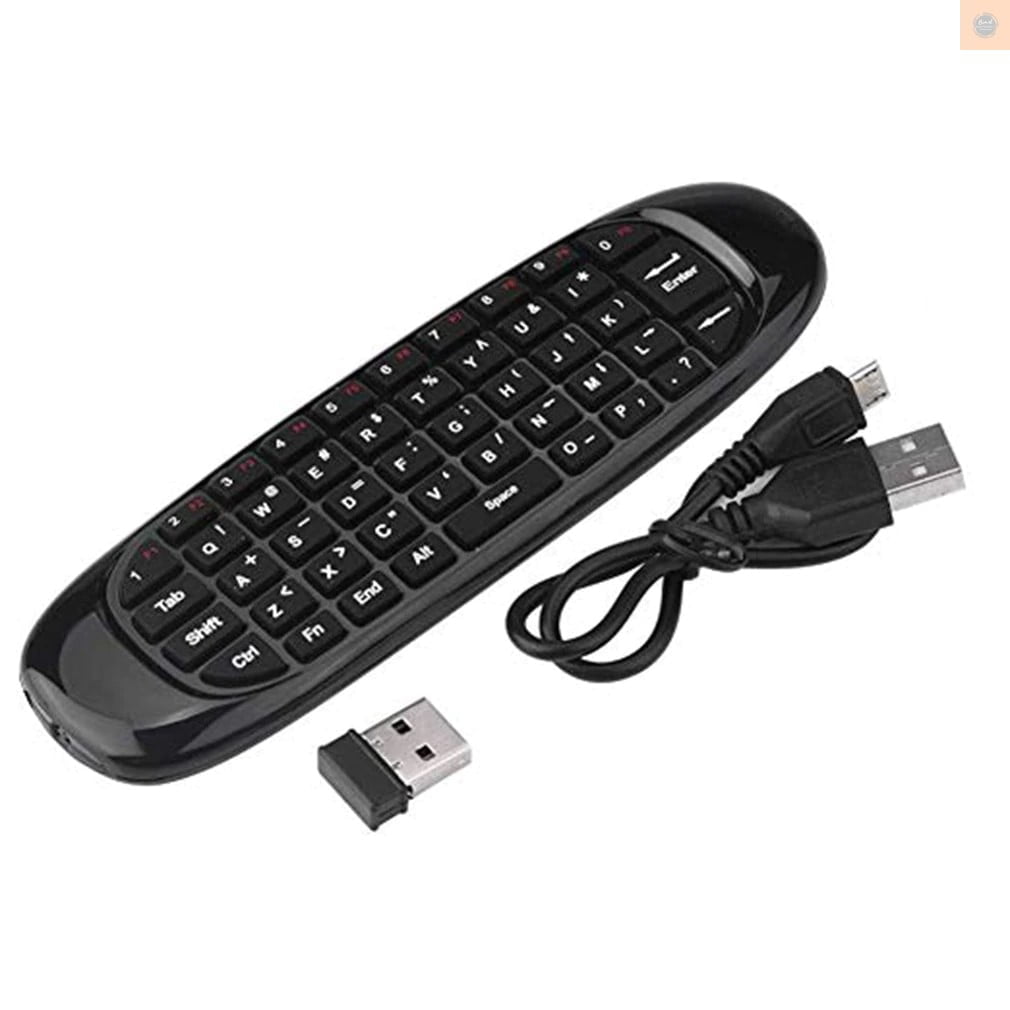
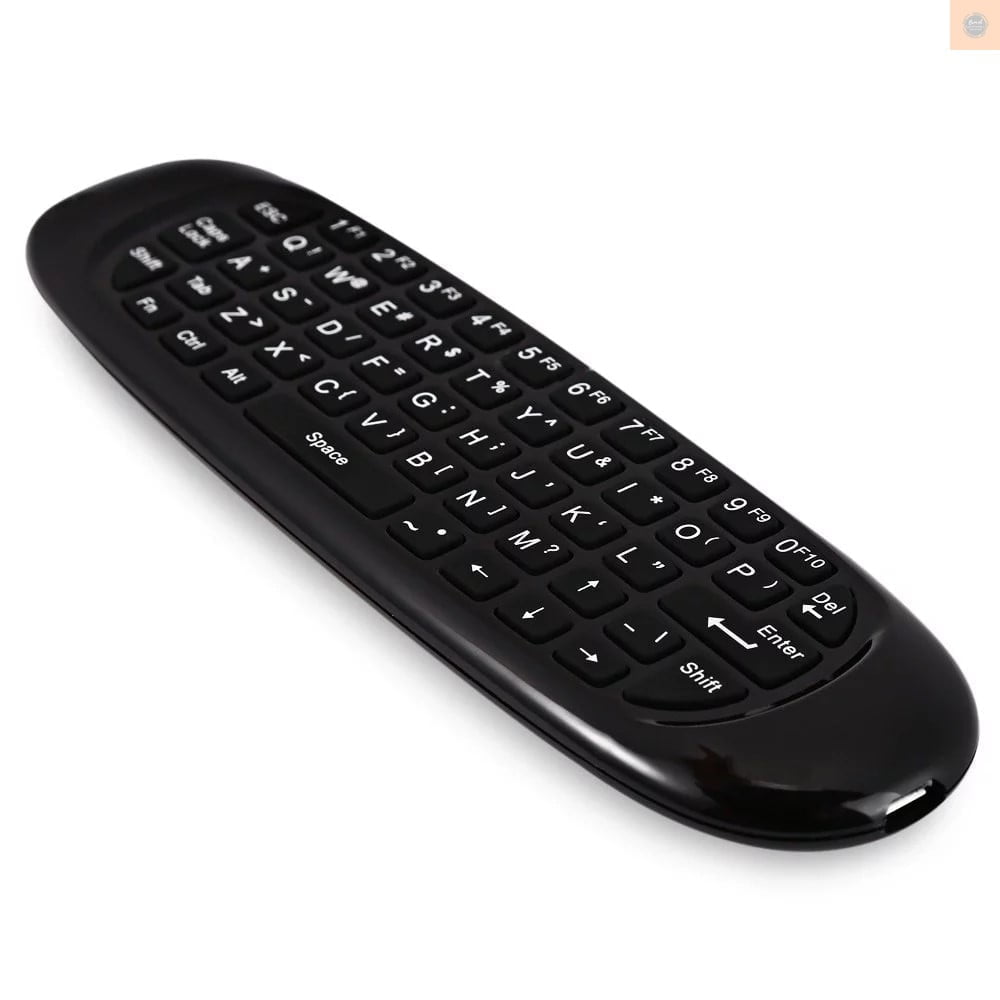
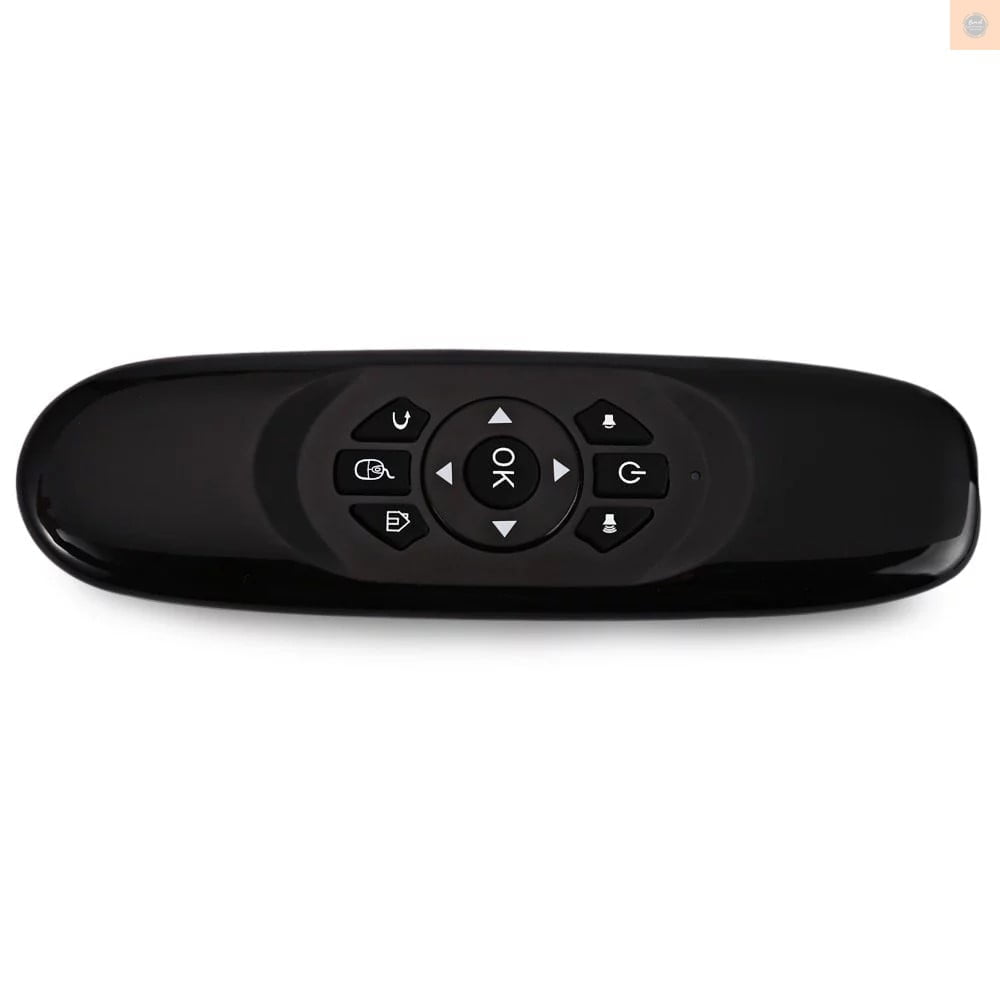
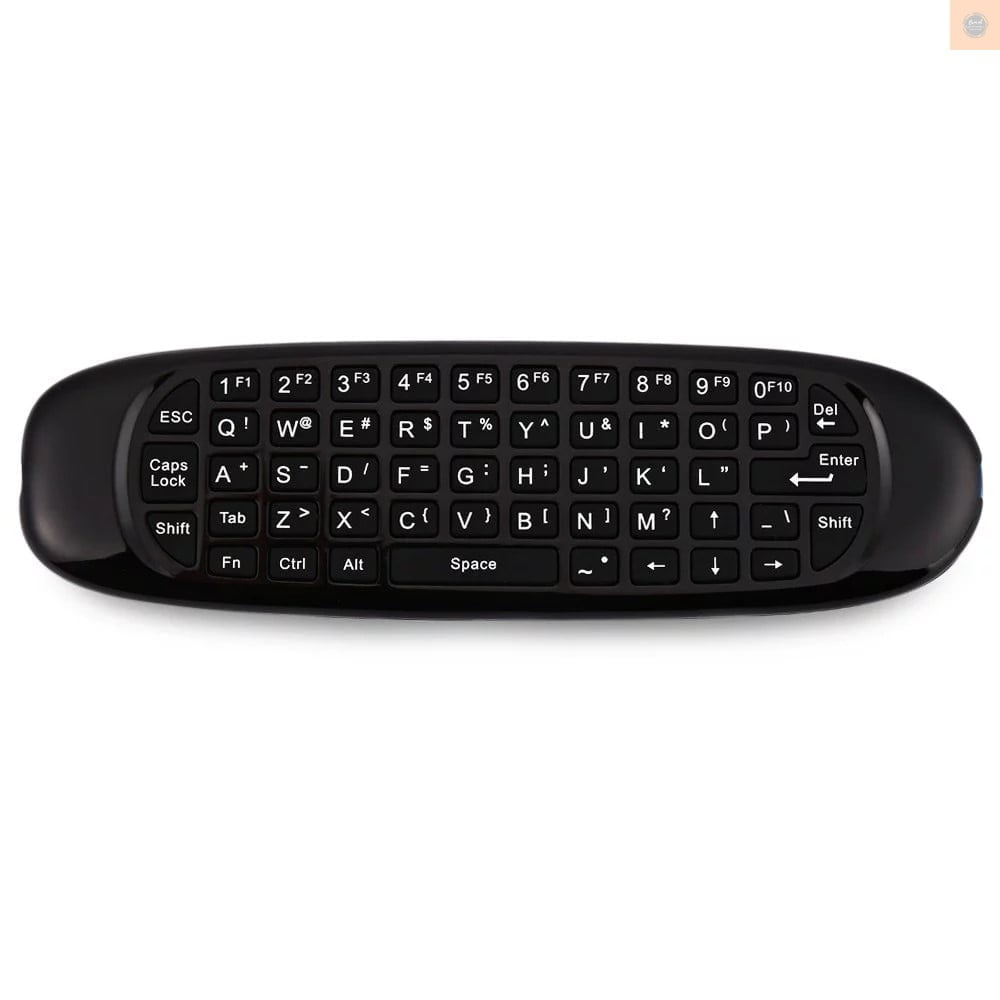
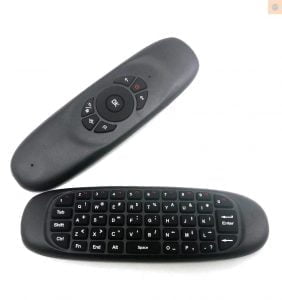
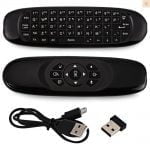
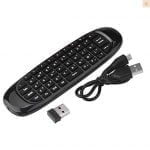


Highlights
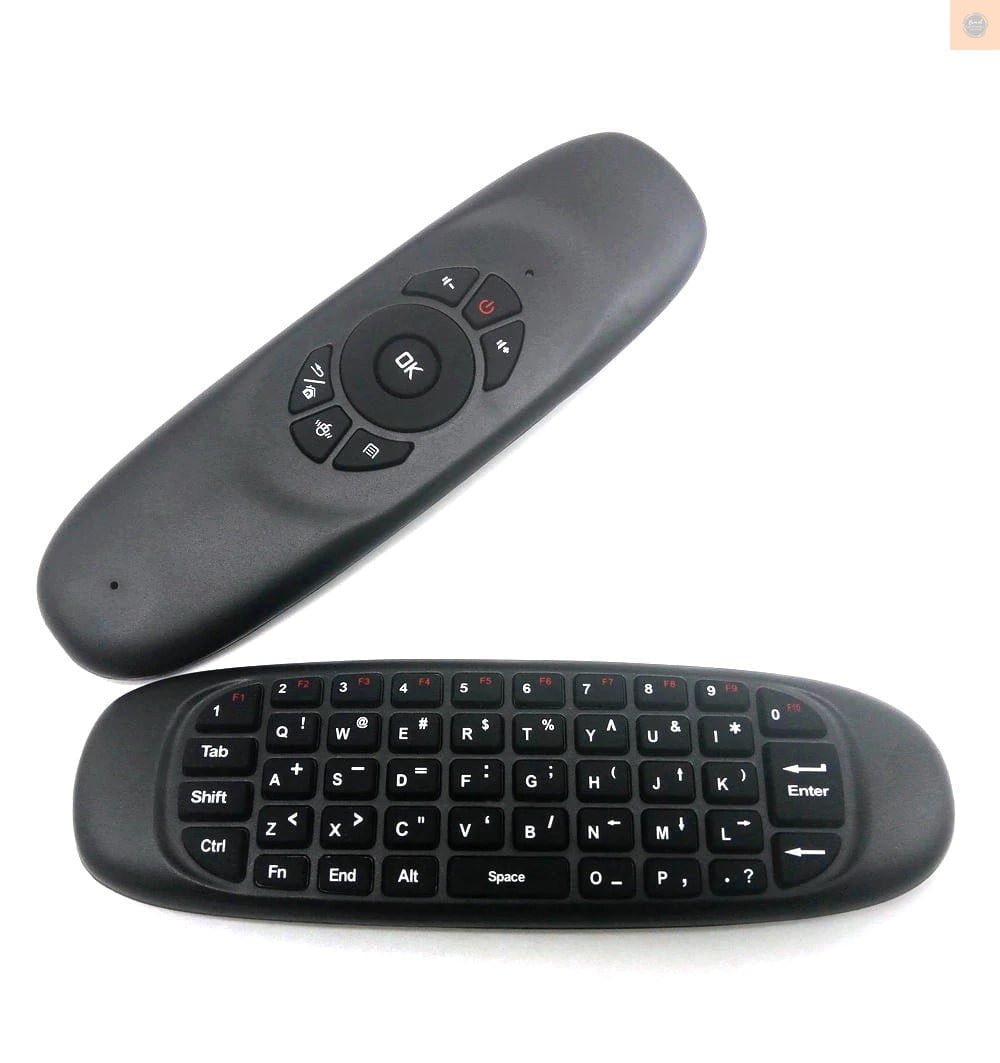
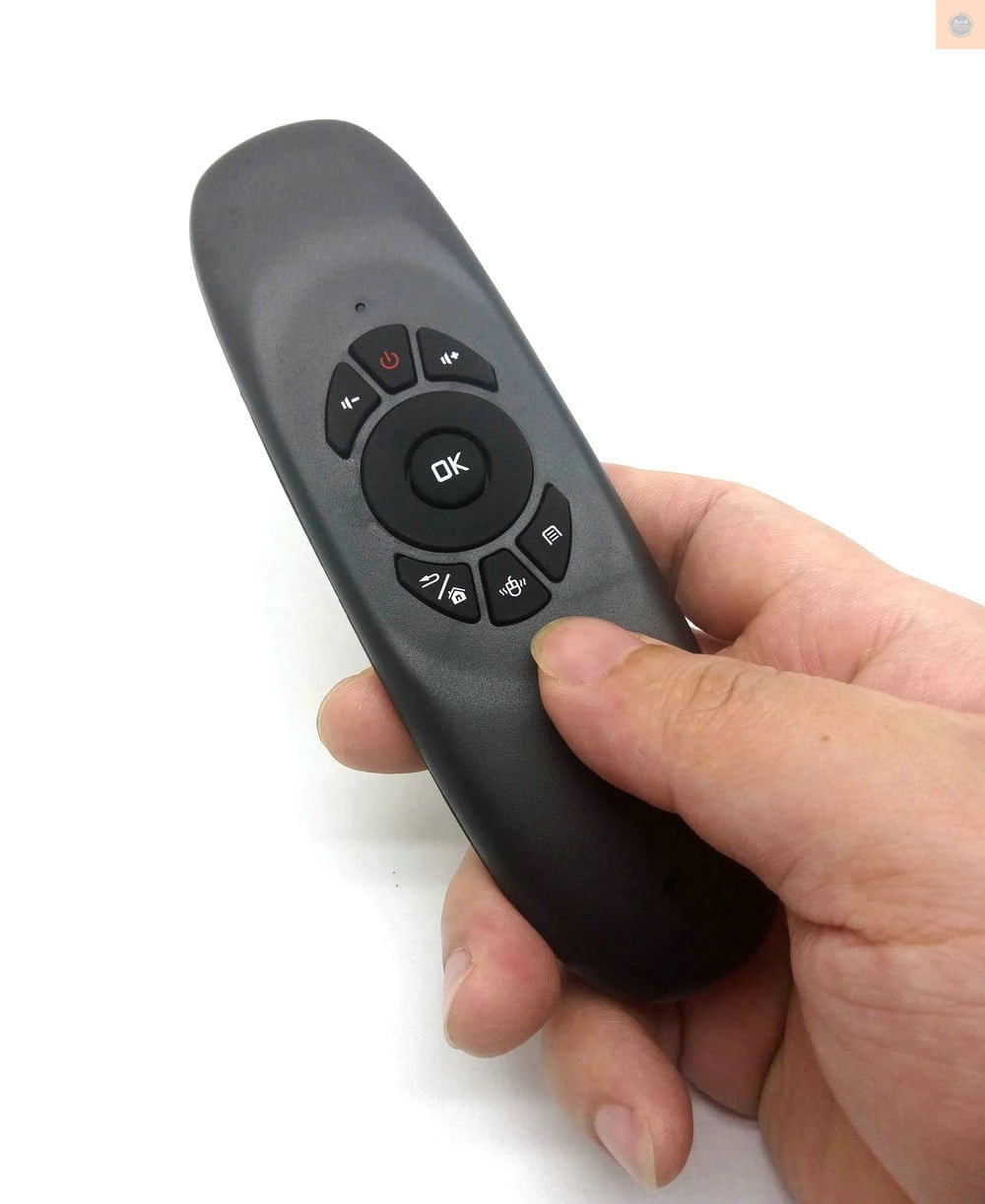
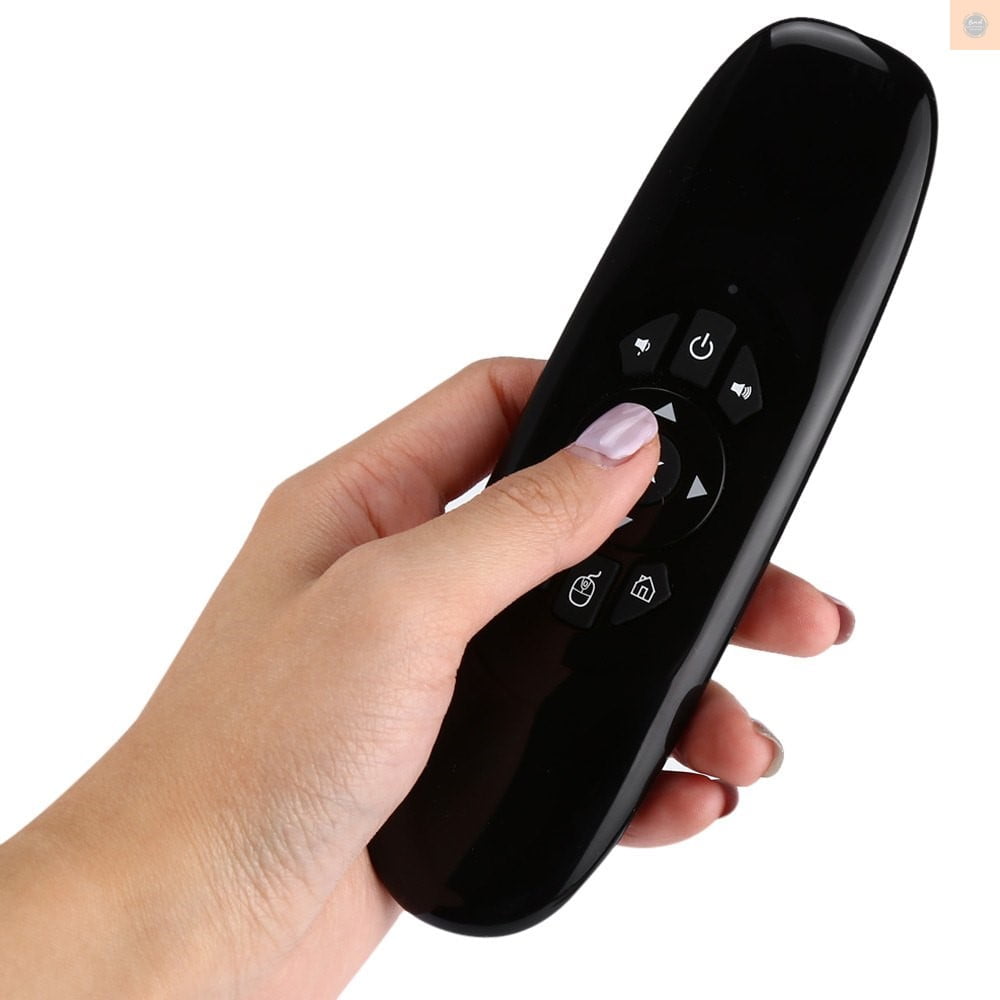
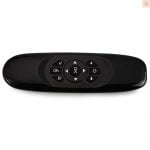
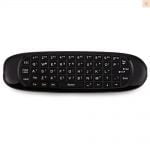
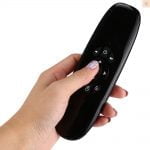
3 in 1: Mini fly air mouse, wireless keyboard and remote controller, multi-functional and practical.
6 axial Gyro-sensor , ultra sensitive and accurate operation.
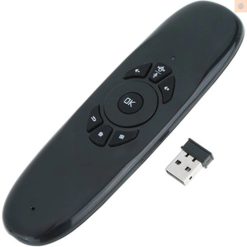
USB receiver, 2.4G wireless transmission, long operating distance up to 10 meters.
Fly air mouse, intelligent anti-shake algorithm, precise positioning, powerful tool for playing games.
Auto sleep and wake-up feature: it will enter sleep mode without operation around 15s.
Built-in rechargeable lithium battery, easy to charge through USB cable.
2.4G Wireless, USB receiver, Plug and play;
Air Mouse, Anti-shake algorithm;
Wireless keyboard;
Somatic games;
Compatible OS: Windows, Android
This air mouse remote control mini keyboard is Wide usage for
Android TV box,Android Smart TV, Android smart projectors etc.,
Windows computer, Laptop, HTPC ,tablet pc, etc.
Technical Data
With using advanced 6 axes solution of 3 axes G-Sensor + 3 axis Gyroscope sensor.
RF 2.4 GHz wireless communication.
Working Distance: up to 10m
Frequency Range: 2400~2483 GHz.
Working current < < 20 mA
Sleep current < < 20 uA
Rechargeable lithium battery.
Indication: 1 LED indicator
USB type: USB2.0
Package Contents:
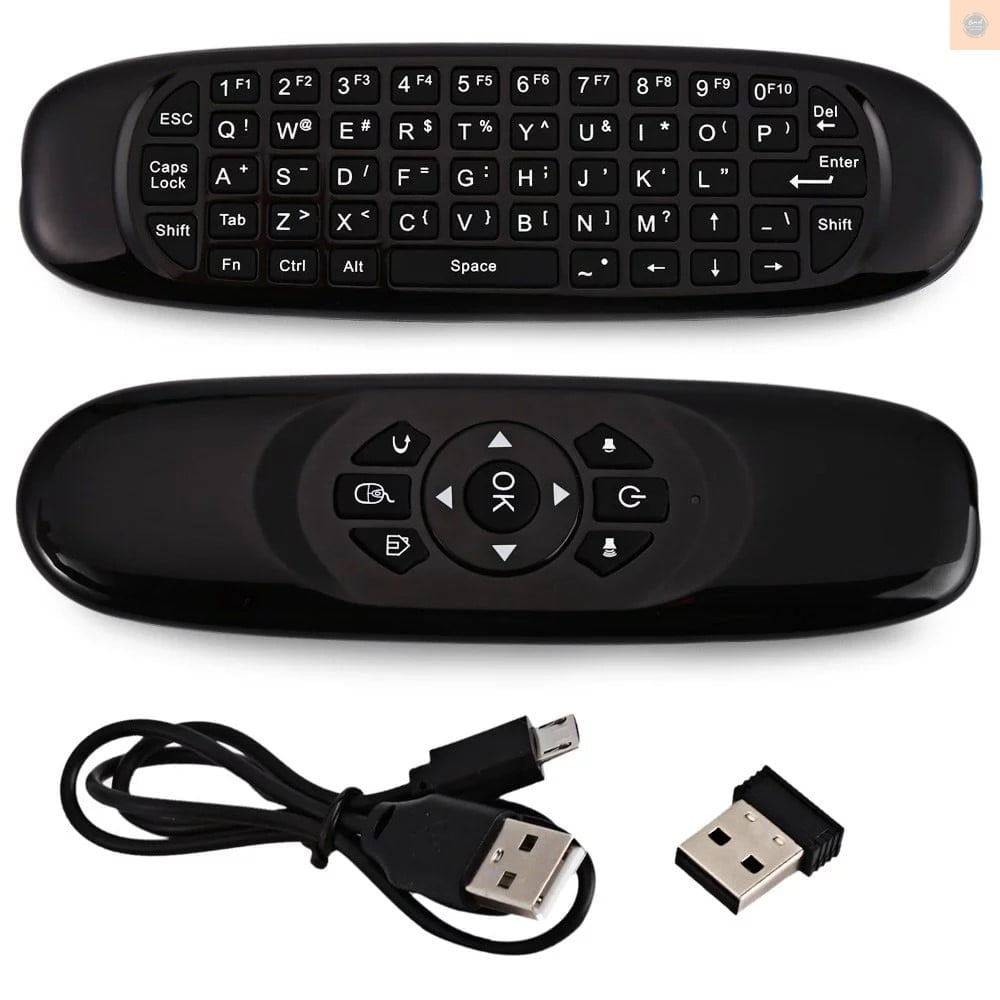
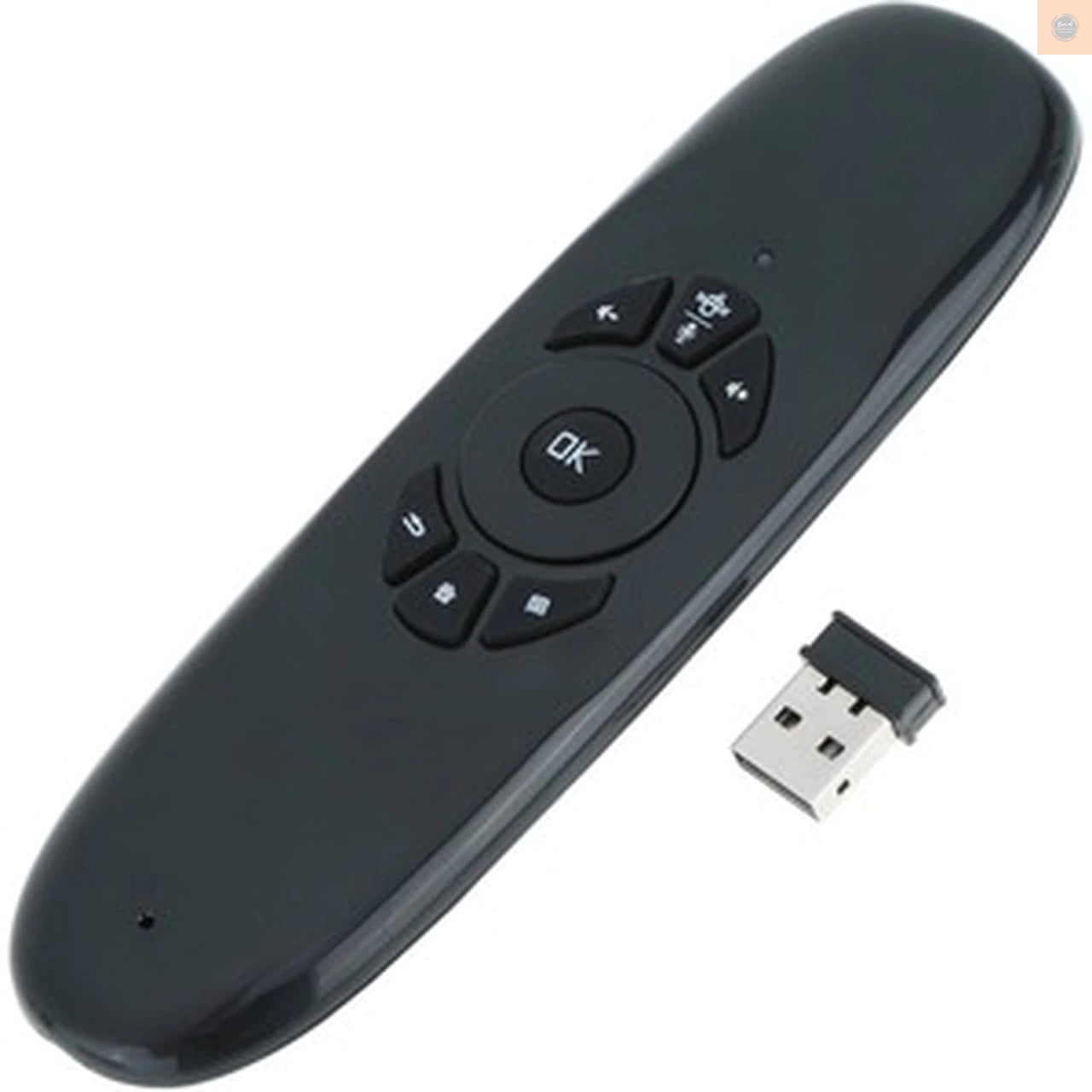
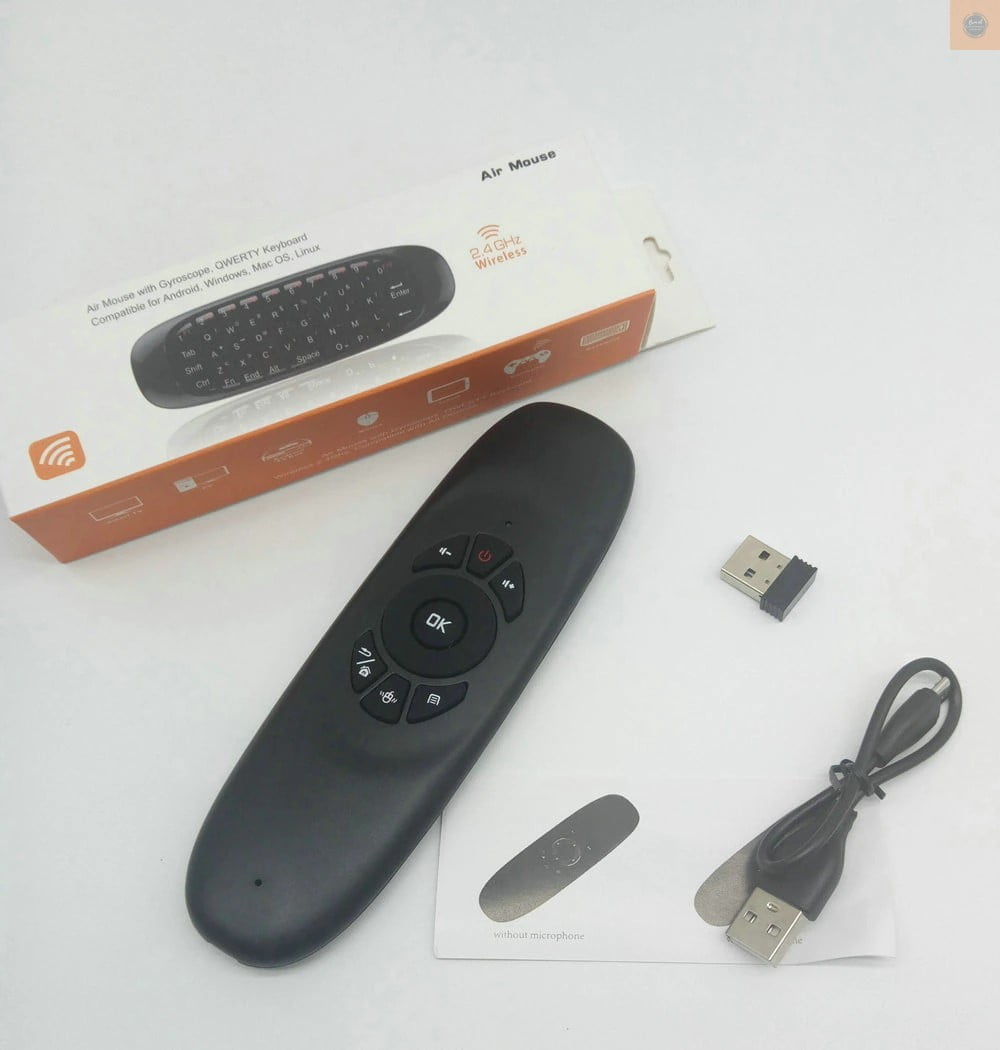
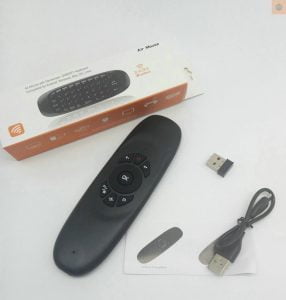
1 * 2.4G air mouse keyboard remote control
1 * USB receiver
1 * USB charging cable
1 * User manual
Questions and Answers:
1) How to pair it?
we have tested and paired it ok before shipping.
but because of the compatibility between different OS and different devices, you may have to pair it again to connect to your android os or windows os devices.
And it is very easy to pair.
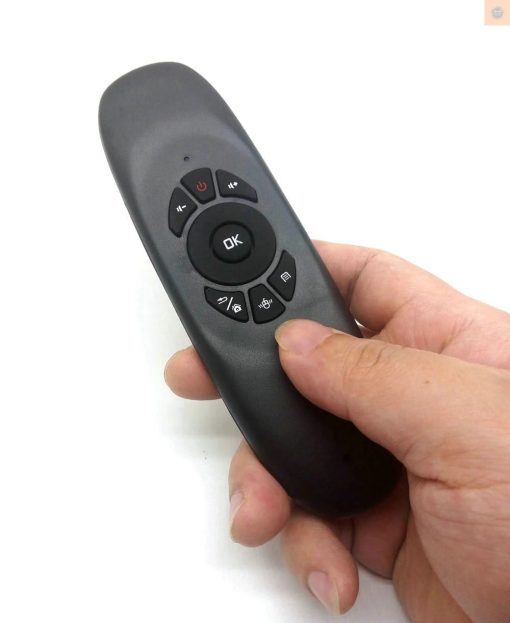
First , press OK + Return buttons at same time , the indicator will flashing.
Then, insert the usb receiver to your computer, after a while, it will paired ok.
Notice: when pairing, please take it very near to the usb receiver.
2)how to change language?
—for Windows OS computer/laptop,
just setting your computer input method in English/Russian/Arabic , it will English/Russian/Arabic.
(if you use more languages and want to fast switch, please add the languages you want, then click alt + shift buttons to fast switch)
—for Android OS devices ,
First insert usb receiver to your android device.
then go to setting,
then click language & input,
then find physical keyboard, add English/Russian/Arabic layout and choose it . it will input English/Russian/Arabic.
(if you use more languages and want to fast switch, please add the languages you want, then click ctrl + spacebar buttons to fast switch)
if you can’t add languages in physical keyboard, you can install GO Input App, it is easier for setting.